Wan 3.5
  • Create
  • AI Image
    • Open Image Workspace
    • Edit Photos with AI
    • GPT Image 2New
    • Nano BananaNew
      • Nano Banana 2New
      • Nano Banana Pro
      • Nano Banana Flash
    • Seedream 5.0New
    • Flux 2
    • Qwen ImageNew
      • Qwen Image 2
      • Qwen Image 3New
    • Z-Image
  • AI Video
    • Open Video Workspace
    • MiniMax H3New
  • Tools
    • Browse all tools
    • Image alternatives
      • SeaArt AI
      • Canva AI
      • Leonardo AI
      • Lovart AI
    • Video alternatives
      • InVideo AI
      • VEED AI
      • Vidu AI
      • DeeVid AI
      • Sora AI
      • Qwen AI Video
    • More tools
      • Image to Prompt
      • Batch Image to Prompt
      • Video Enhancer AI
      • AI Photo to Video
  • Pricing
Wan 3.5

Wan 3.5 AI Video Generator

Create clips from prompts or reference images. Choose a model, set duration and resolution, and see your credit cost.

Planning prompts

Which Wan 3.5 planning prompts describe a shot you can actually review?

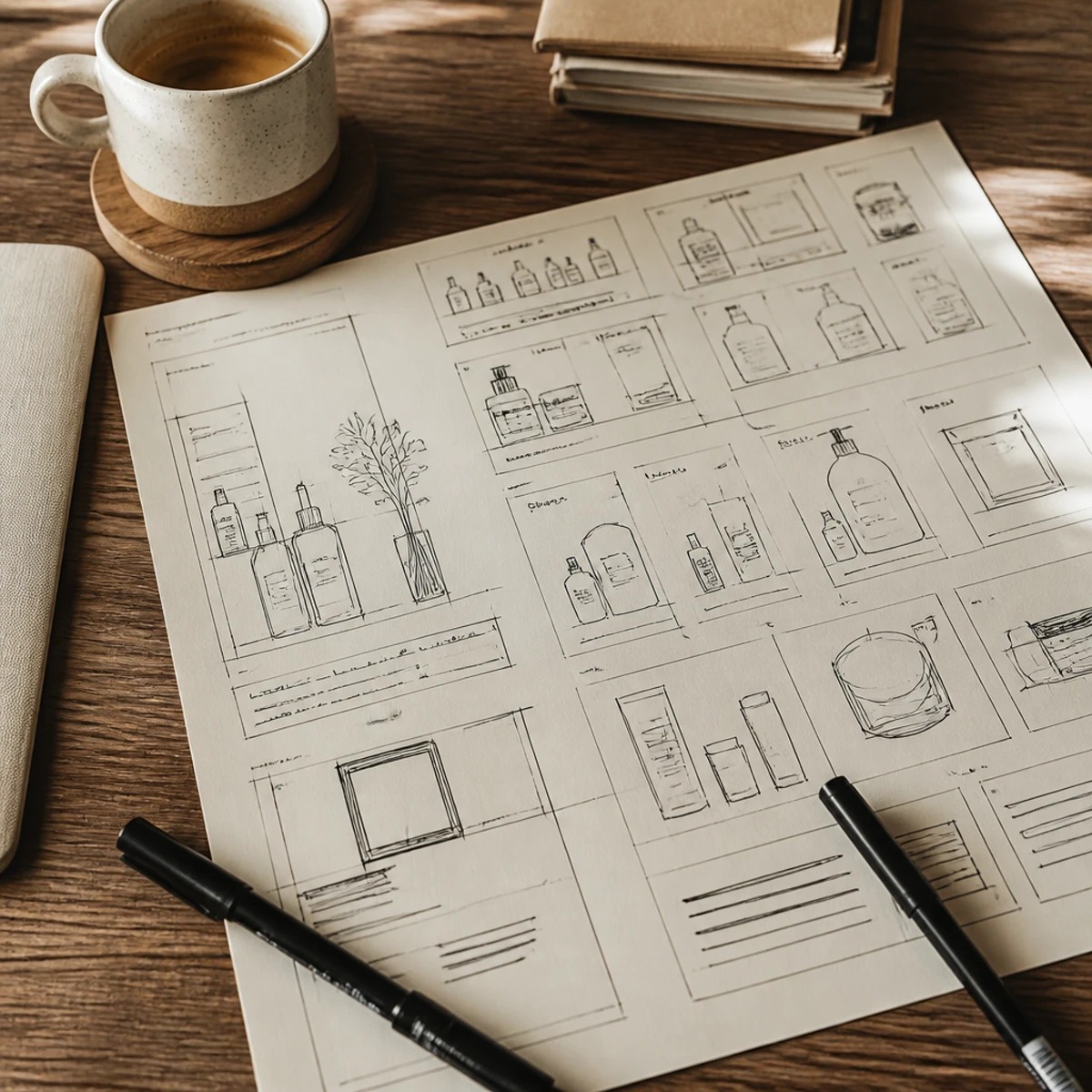
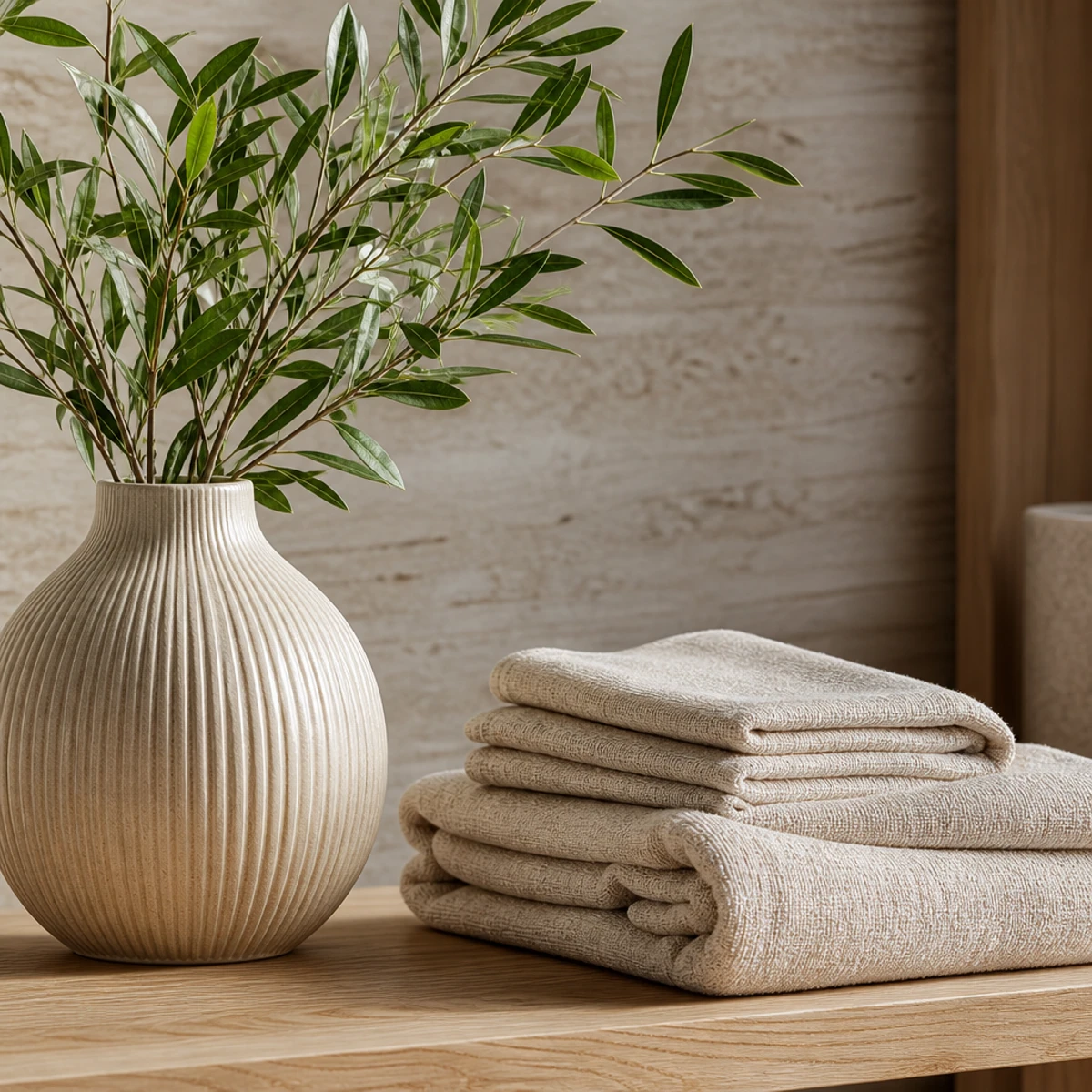
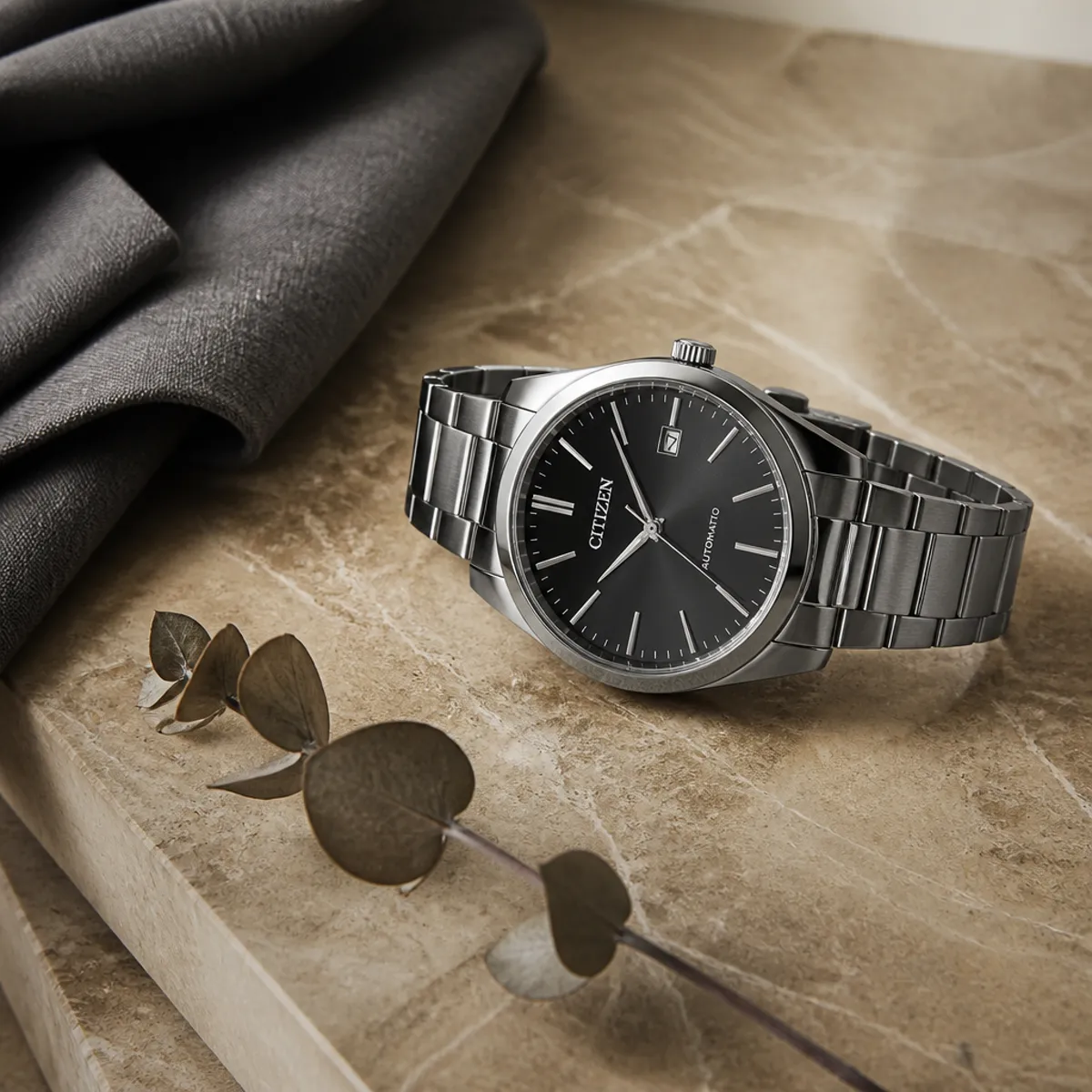
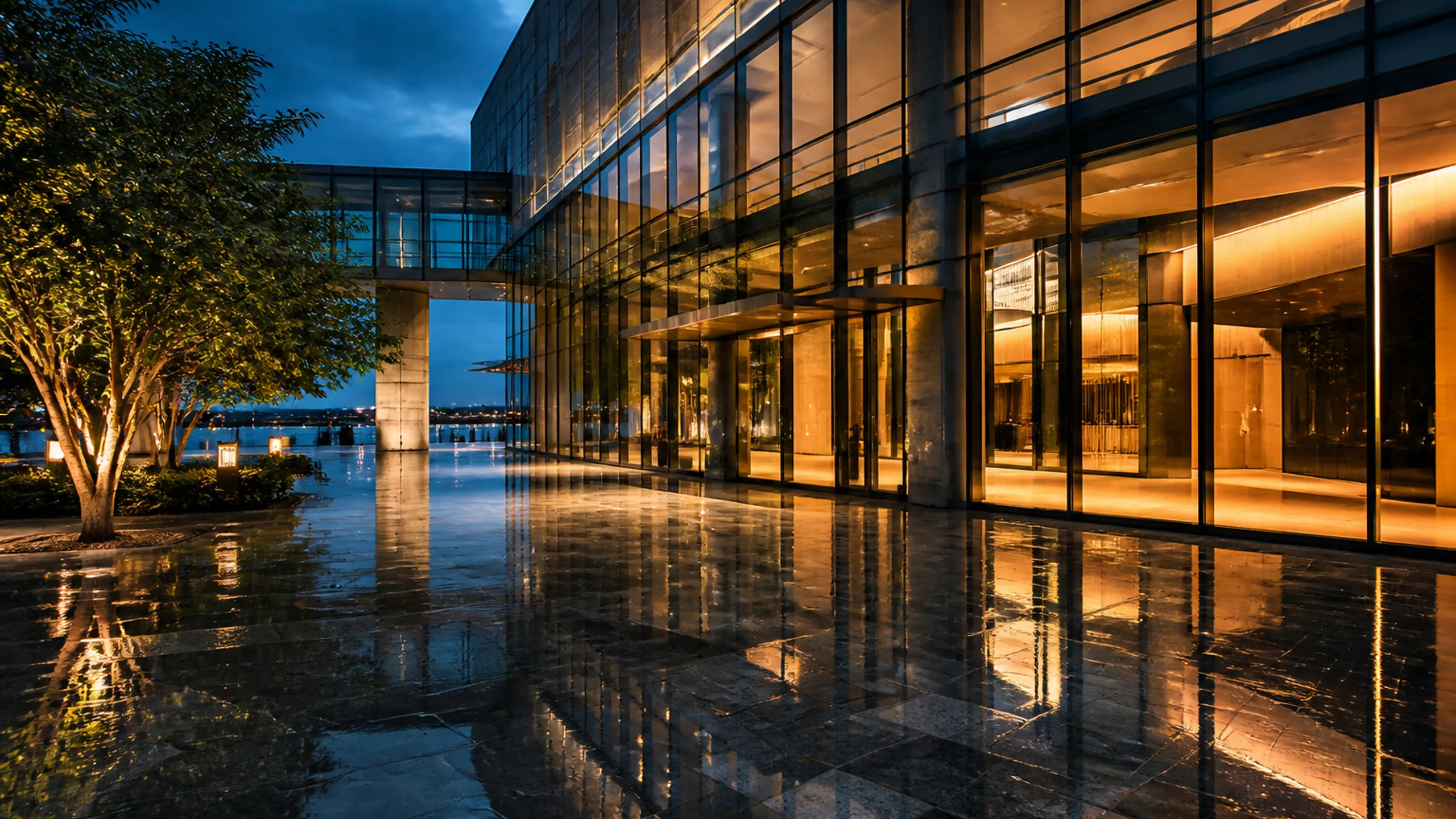
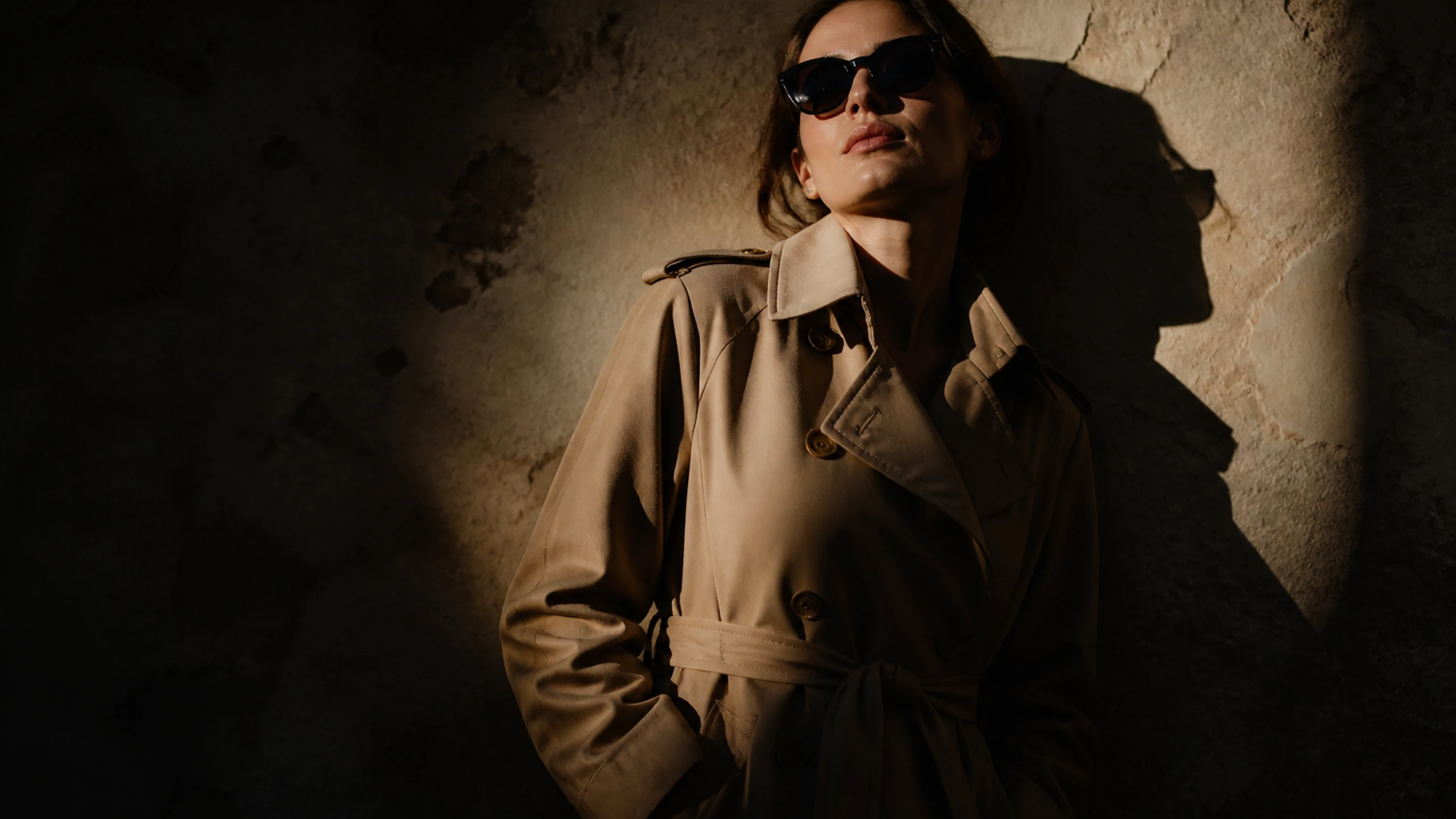
These four briefs are shot-planning recipes for Wan 3.5: product motion, a stage camera path, a first-to-last-frame fashion move, and an outdoor campaign beat. The gallery stills are concept frames for those plans, not proof that a listed model already produced the clips.

GPT Image 2 Generator

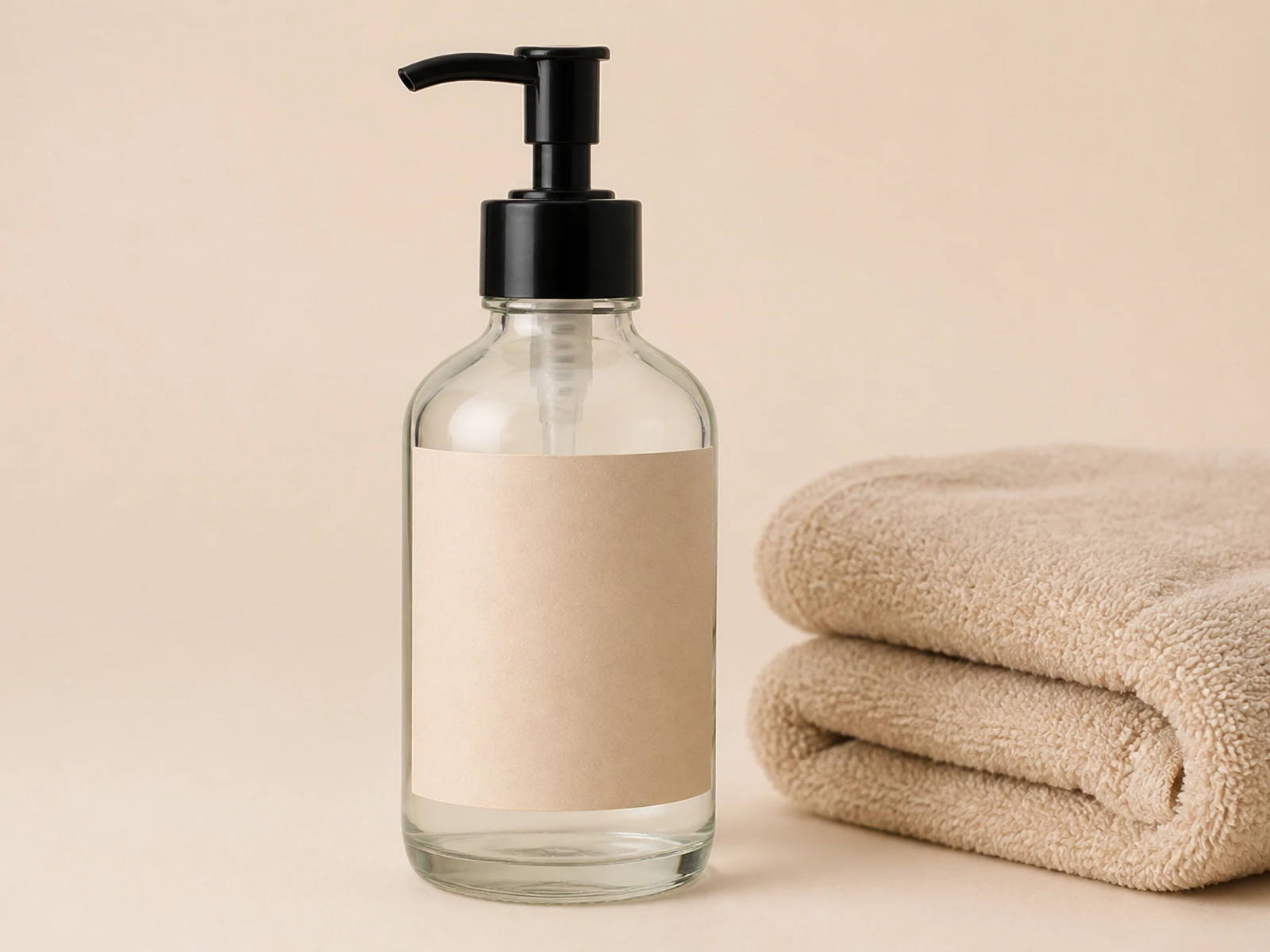
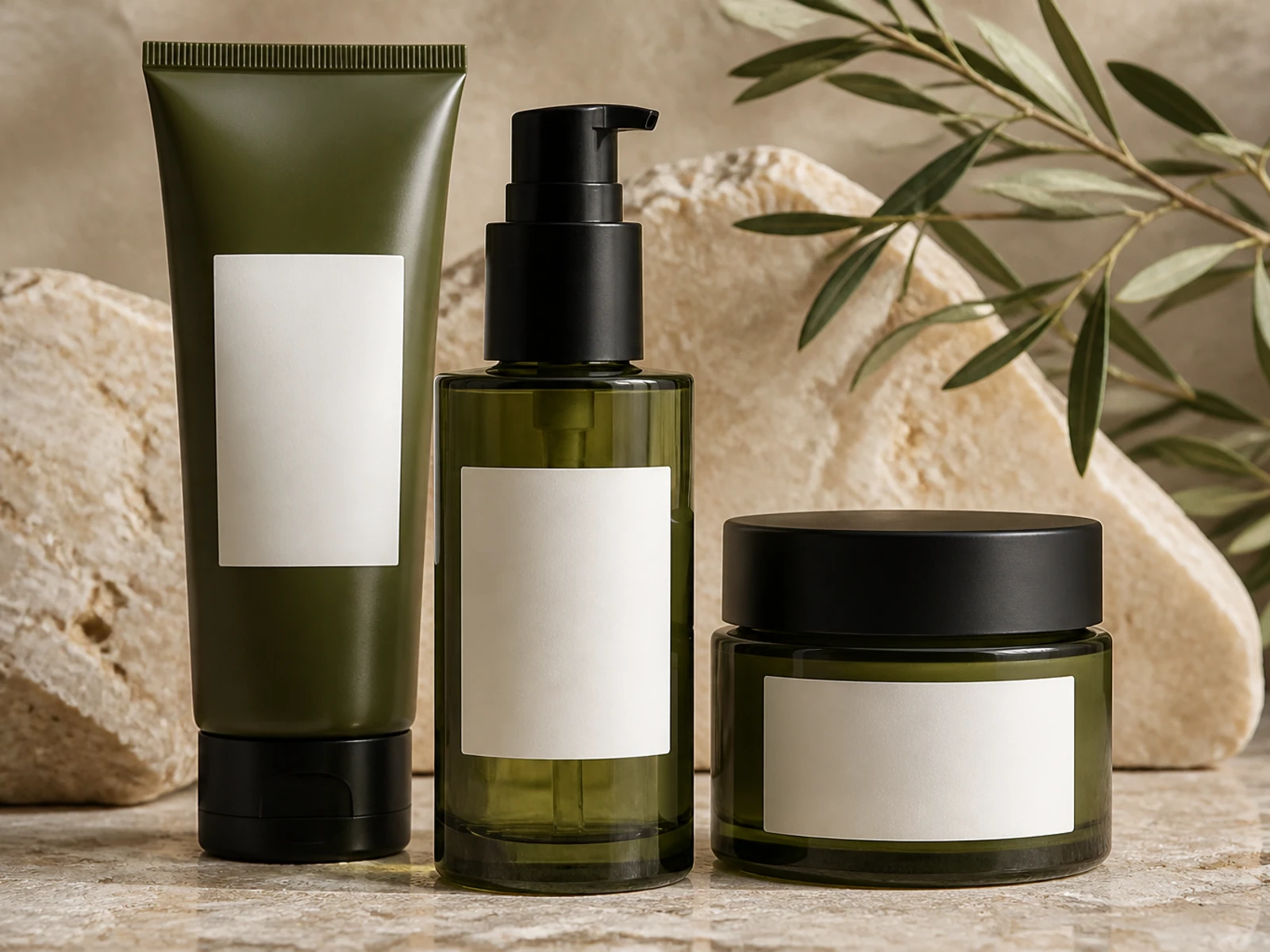
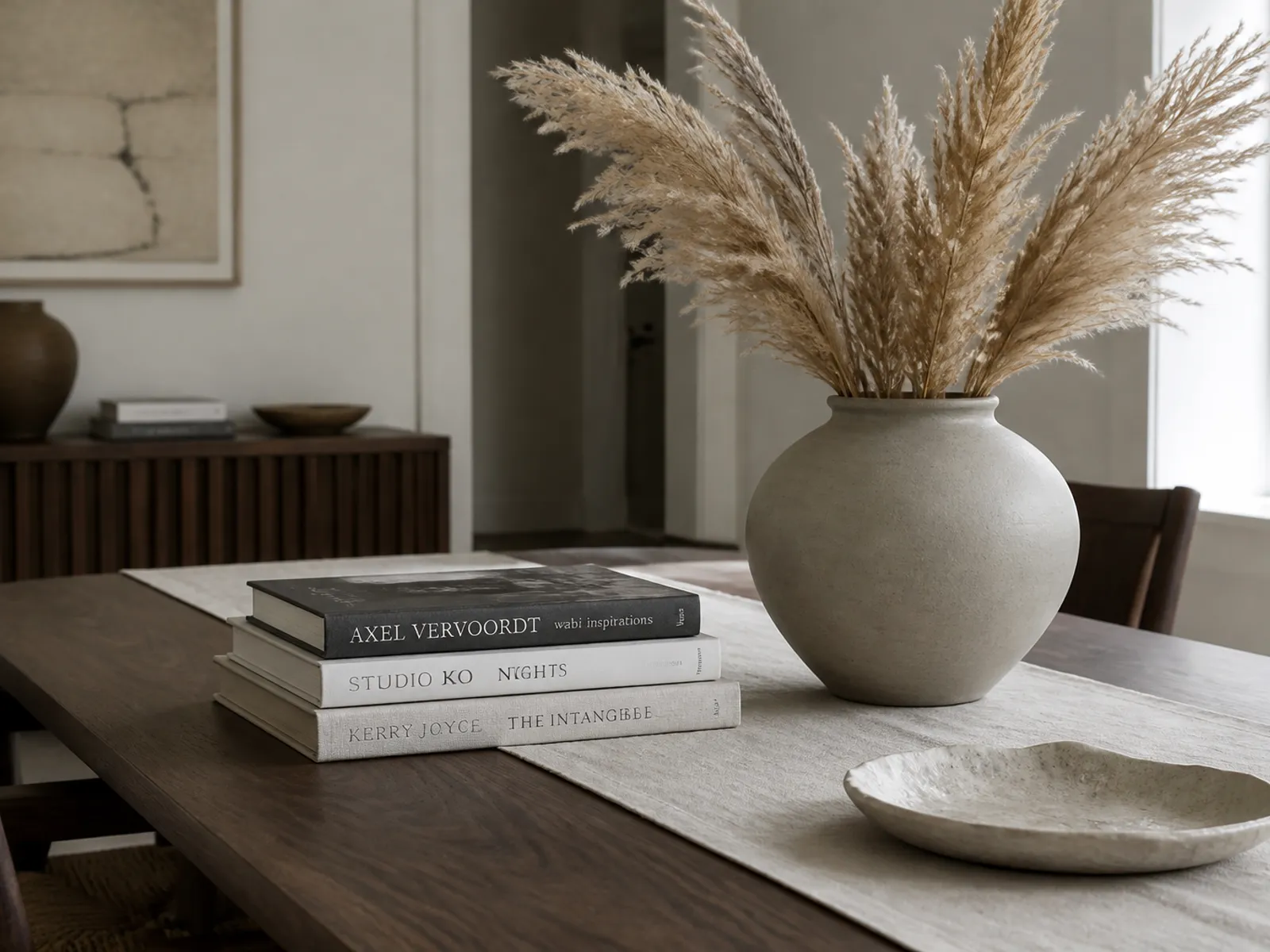
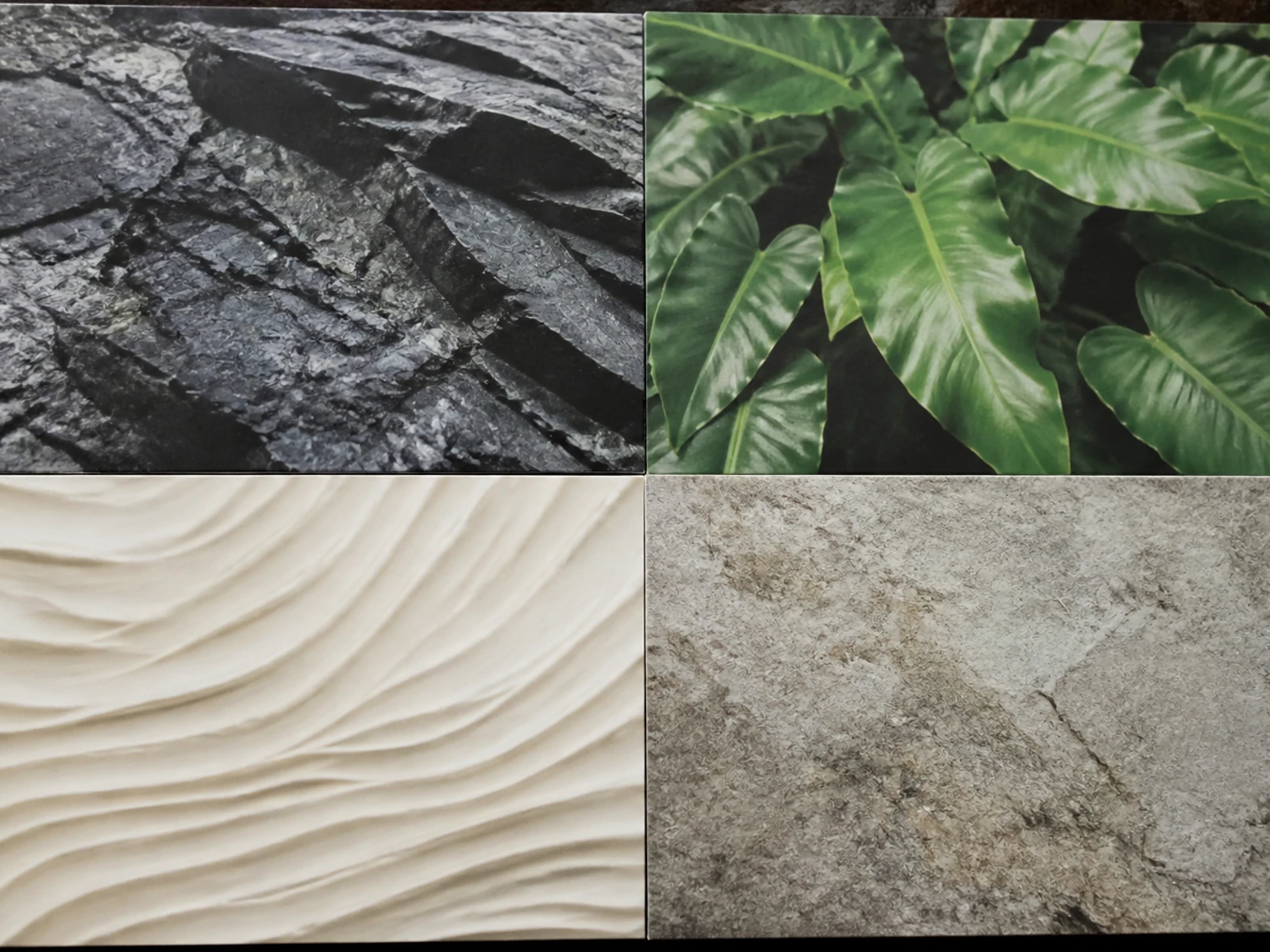
Dark botanical skincare hero with a slow pullback

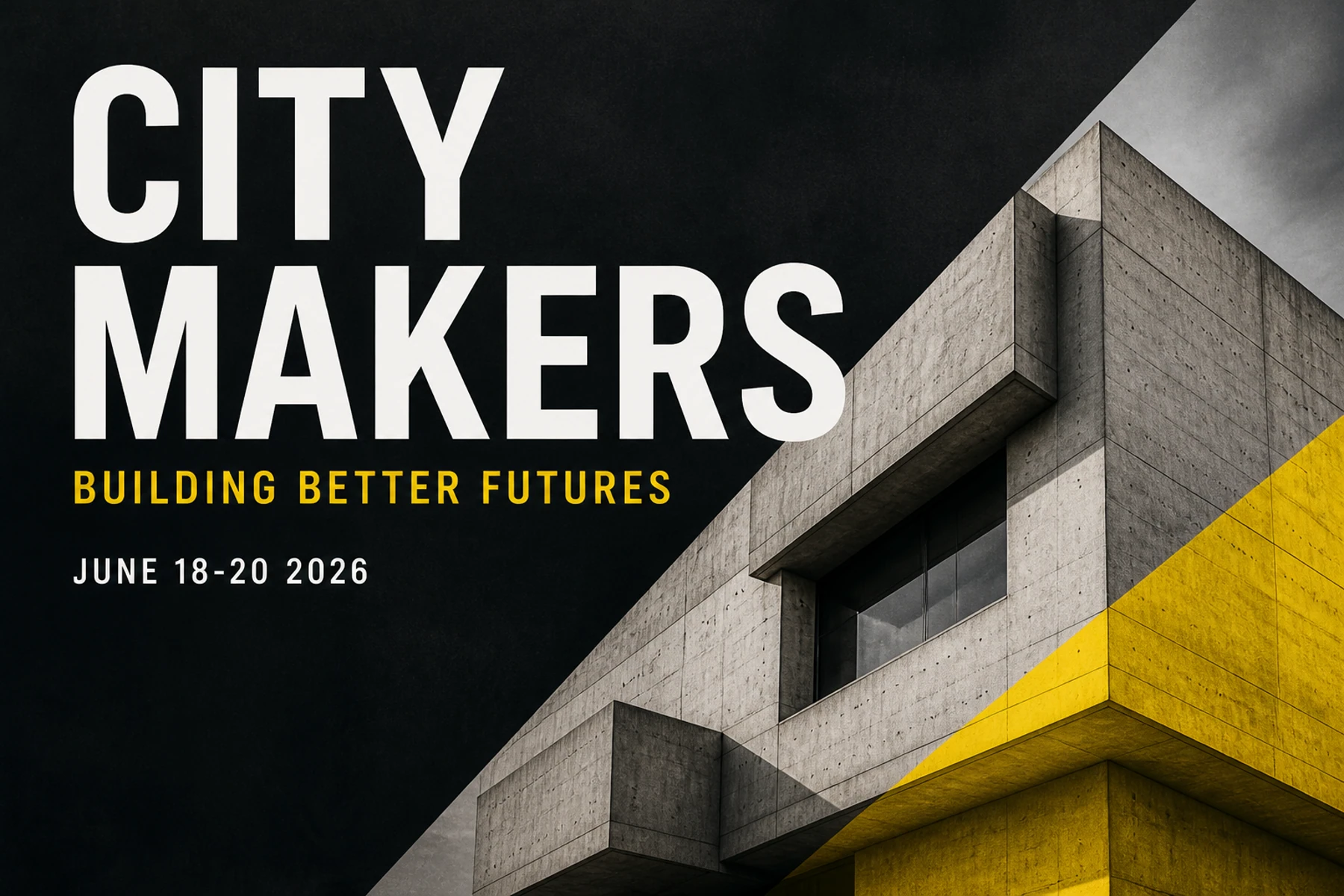
Conference stage shot that must keep the headline legible

Industrial black-blazer fashion move between two stills

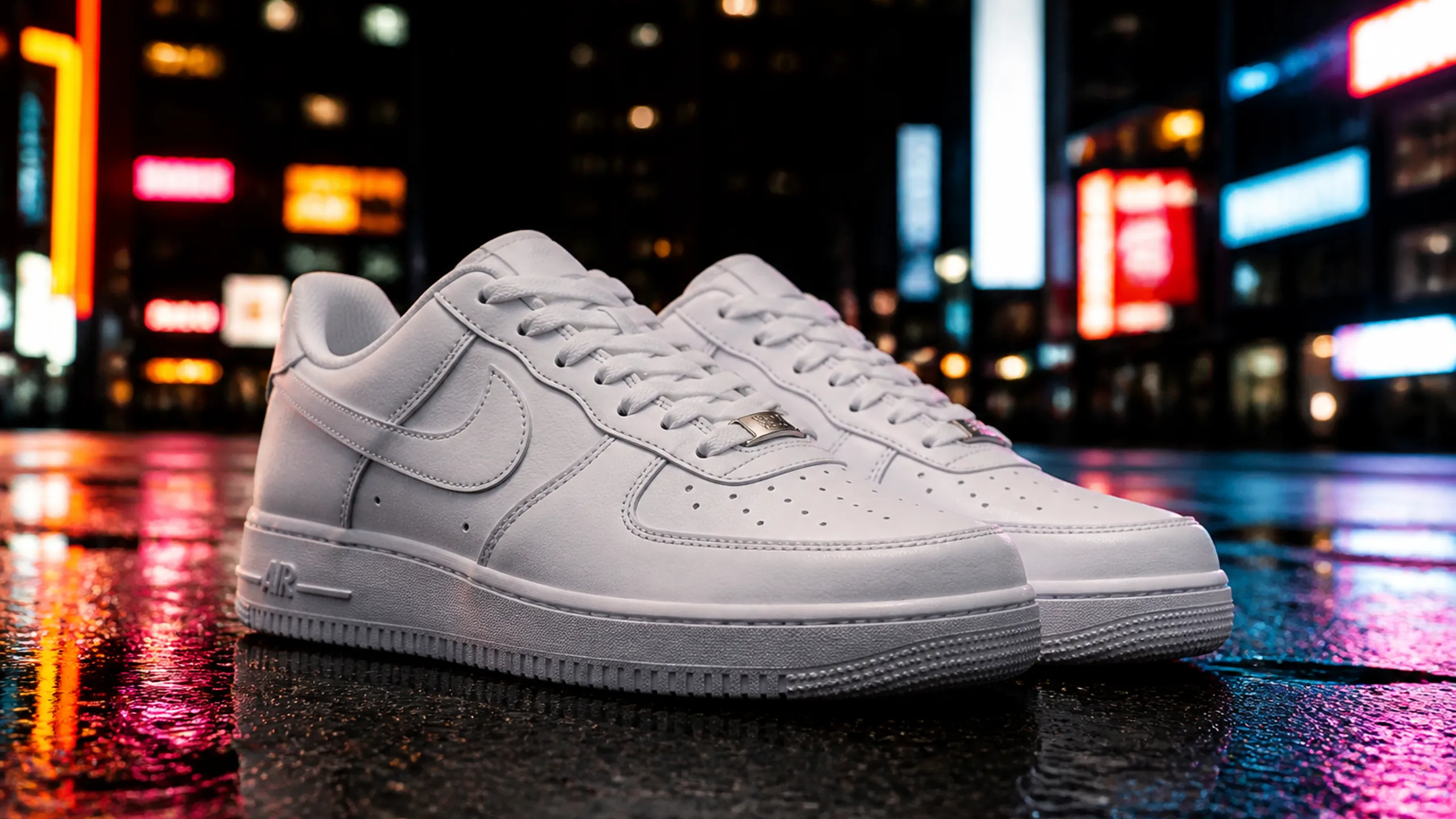
Outdoor streetwear billboard with a settle onto the board

Shot workflow

How does Wan 3.5 turn a motion brief into a clip you can review?

Wan 3.5 keeps one generator for the shot: name the motion, attach frames only when identity or endpoints must hold, read the credit total, then review the clip before you change one control and run again.

Write the motion the workspace should attempt in this shot

01

Write the motion the workspace should attempt in this shot

State who or what is on screen, what moves, what must remain locked, and how the camera should travel. A useful brief sounds like a shot plan: subject, action, lens height, and the beat you will inspect after the run. Name duration intent only in terms the form actually offers, and keep dialogue or native score out of the prompt unless the selected model exposes those controls.

Attach first or last frames only when the workspace must hold identity

02

Attach first or last frames only when the workspace must hold identity

Upload a reference still, a first frame, or a last frame when the clip has to start, end, or stay on a known face, product, or set. Skip the upload when you want a net-new text-to-video shot so the workspace is not pulled toward an unrelated still. If you still need a cleaner opening or closing image, prepare it in image mode or on a still-model page, then bring that file back as a frame.

Generate, review the clip, then iterate inside the workspace

03

Generate, review the clip, then iterate inside the workspace

Read the credit total on the generator before you start. After the run, watch the clip for identity drift, weak motion, or a crop that misses the brief. Change one thing at a time—the motion sentence, a frame, duration, resolution, or the listed model—then generate again. Stay on the homepage form while you are still comparing settings; do not treat a single pass as a locked delivery.

What Wan 3.5 accepts

What can Wan 3.5 accept as inputs before a video run starts?

Wan 3.5 is the hosted shot desk: a prompt box for motion, optional image references and first or last frames, image and video modes in one generator, a model list that currently includes Wan 2.7 and Wan 2.6, and the credit number shown before you run. Dedicated still URLs exist when you need a frame before the clip, not because this page is a single-model landing page.

The workspace shows the models configured for the mode you are in

The workspace shows the models configured for the mode you are in

The homepage does not hide the selector. Video mode currently lists Wan 2.7 and Wan 2.6; image mode is there when you need a still to reuse as a frame. Switch only among what the dropdown actually shows when look, duration, or input caps matter more than staying on the last choice.

  • Read the live selector; do not assume a model that is not listed.
  • Configured Wan video models include Wan 2.7 and Wan 2.6.
  • Duration, resolution, and credit cost follow the selected model.
Open the Wan 3.5 generator
The workspace accepts text-to-video, plus frames when identity is the brief
BeforeAfter
‹ ›

The workspace accepts text-to-video, plus frames when identity is the brief

A text-only prompt starts a new shot. The same form takes a reference still, a first frame, or a last frame when the clip must open, close, or stay on a known subject. Image mode is a still-prep path inside the generator, not a second product.

  • Use text-to-video when the shot does not exist yet.
  • Use a first or last frame when the opening or closing still is already decided.
  • Use a reference image when a face, product, or set must survive the move.
The workspace is built for motion language, not a still layout poster

The workspace is built for motion language, not a still layout poster

If camera path is the job, name start frame, end frame, and what travels. If on-screen words matter, quote them and then watch those frames after the run. If photography-style materials matter, name surfaces and light so the clip does not drift into a generic move.

  • Name subject action and camera move in the same brief.
  • Quote required on-screen wording.
  • Review the exported clip before you change model or duration.
Open the Wan 3.5 generator
Stay on the workspace for the shot; open a still page only to prepare a frame

Stay on the workspace for the shot; open a still page only to prepare a frame

The homepage is the planning and review desk for clips. A dedicated image-model URL is for building a still you may later attach as a first frame, last frame, or reference. Do not expect those still pages to output video.

  • Use the workspace when the next deliverable is a clip to review.
  • Open /gpt-4o, /nano-banana-pro, /seedream-4-0, /z-image, or /flux-2 when you need a still for an input frame.
  • Do not expect ComfyUI graphs inside this hosted form.
Open the Wan 3.5 generator

Shot ideas

Which shot jobs can a team actually plan inside Wan 3.5?

Use Wan 3.5 when the deliverable is a reviewed clip from a planned shot: product motion, event coverage, continuity between stills, or a campaign beat you can inspect before the next run.

Product and packaging motion you can inspect in the workspace

Product and packaging motion you can inspect in the workspace

Describe the pack, surface, and camera path so the bottle, label, or kit stays readable while the lens moves. Pin a pack still as a first frame when the SKU must remain recognizable, then review whether the label holds through the move instead of asking the form for a retouched catalog page.

Event and social shots that need on-screen copy to survive motion

Event and social shots that need on-screen copy to survive motion

Quote any headline that must appear on a stage screen, lower third, or in-world display. After the run, pause on the frames that carry lettering. If the type collapses, rewrite the quoted words, attach a lettering still as a frame, or switch to a listed model that handles the current duration and crop more cleanly.

Continuity shots that start or end on a still you already trust

Continuity shots that start or end on a still you already trust

Keep wardrobe, face, or interior from the uploaded first or last frame, then change only the camera distance, gesture, or light the prompt names. The workspace is useful here when the job is a controlled move between two known stills, not a new character design.

Campaign beats you can review before the board is locked

Campaign beats you can review before the board is locked

Plan one outdoor, studio, or in-world shot at a time and compare two listed models on the same motion sentence. Use the clip as a moving storyboard frame: keep the beat if identity and camera path hold, then write the next shot instead of stacking unrelated action into one prompt.

Wan 3.5 vs still-prep pages

When should you stay on Wan 3.5 instead of opening a still-prep URL?

Wan 3.5 is the shot-planning workspace. A dedicated image-model page is a still desk for preparing a frame you may later attach. Stay here while the next output you need is a clip; leave only when the next output you need is a still.

When should you stay on Wan 3.5 instead of opening a still-prep URL?
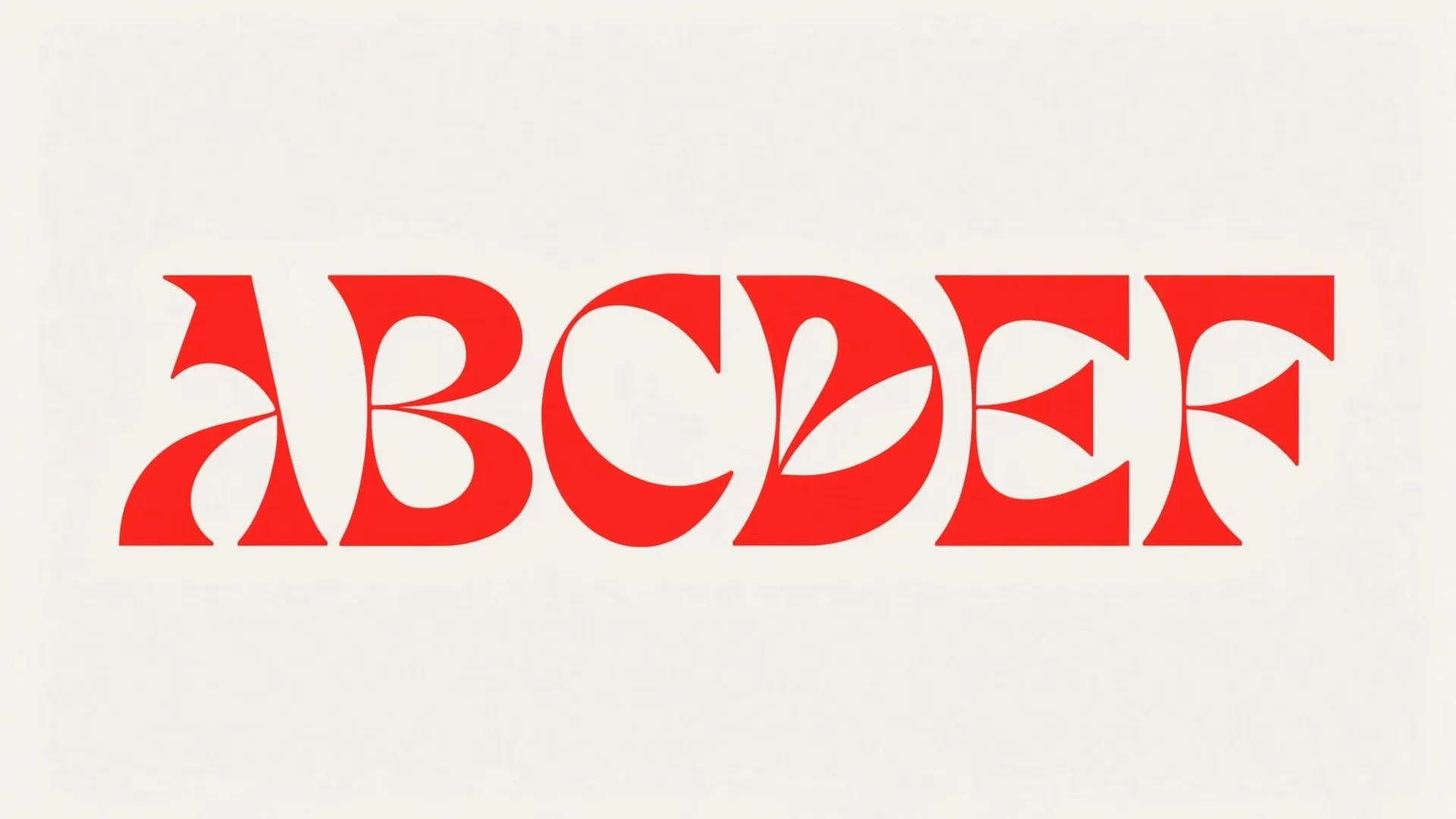
Red ABCDEF display letters on a light field
Avant-garde blue ruff fashion portrait
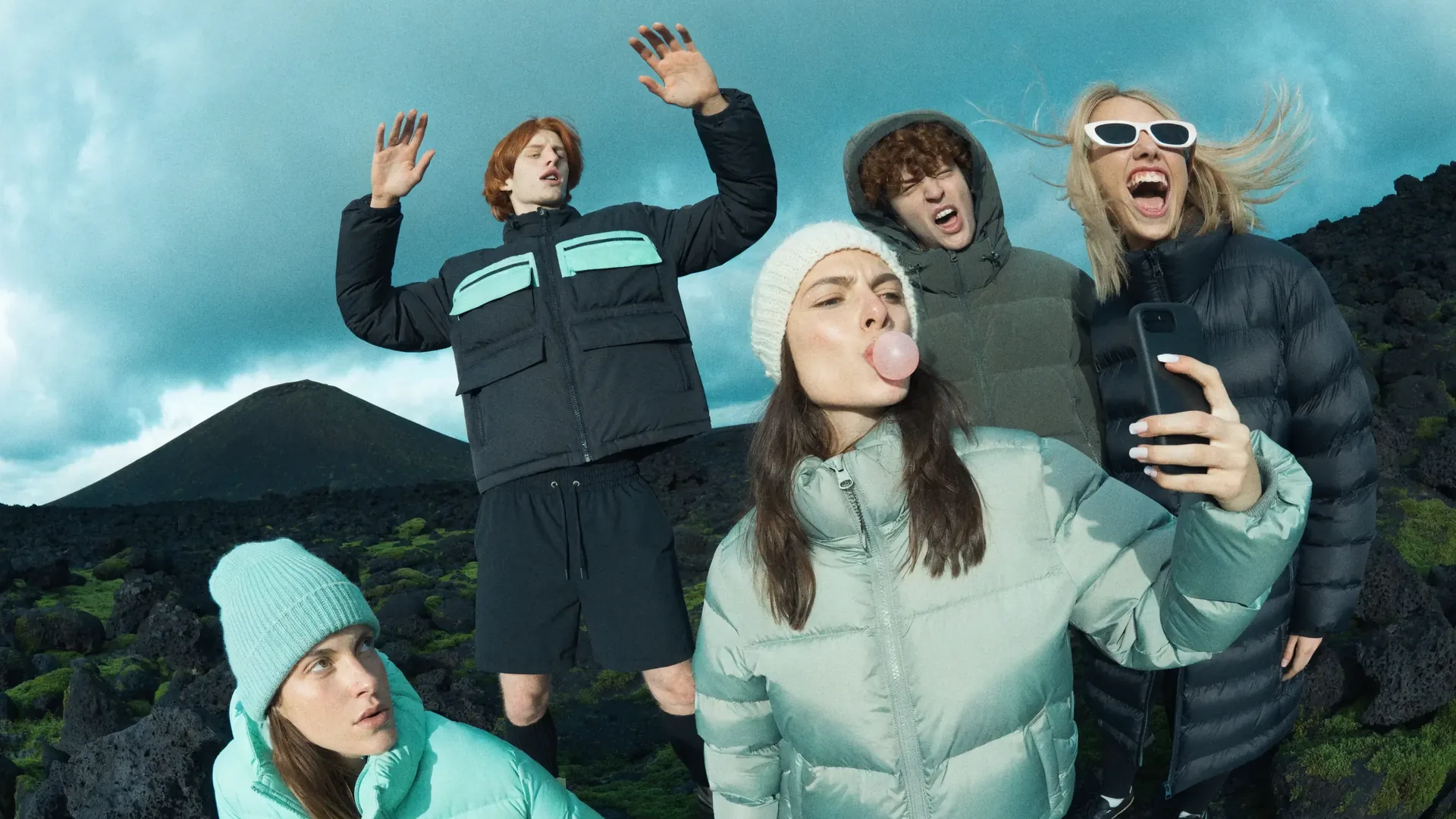
Group in puffer jackets on dark volcanic rock
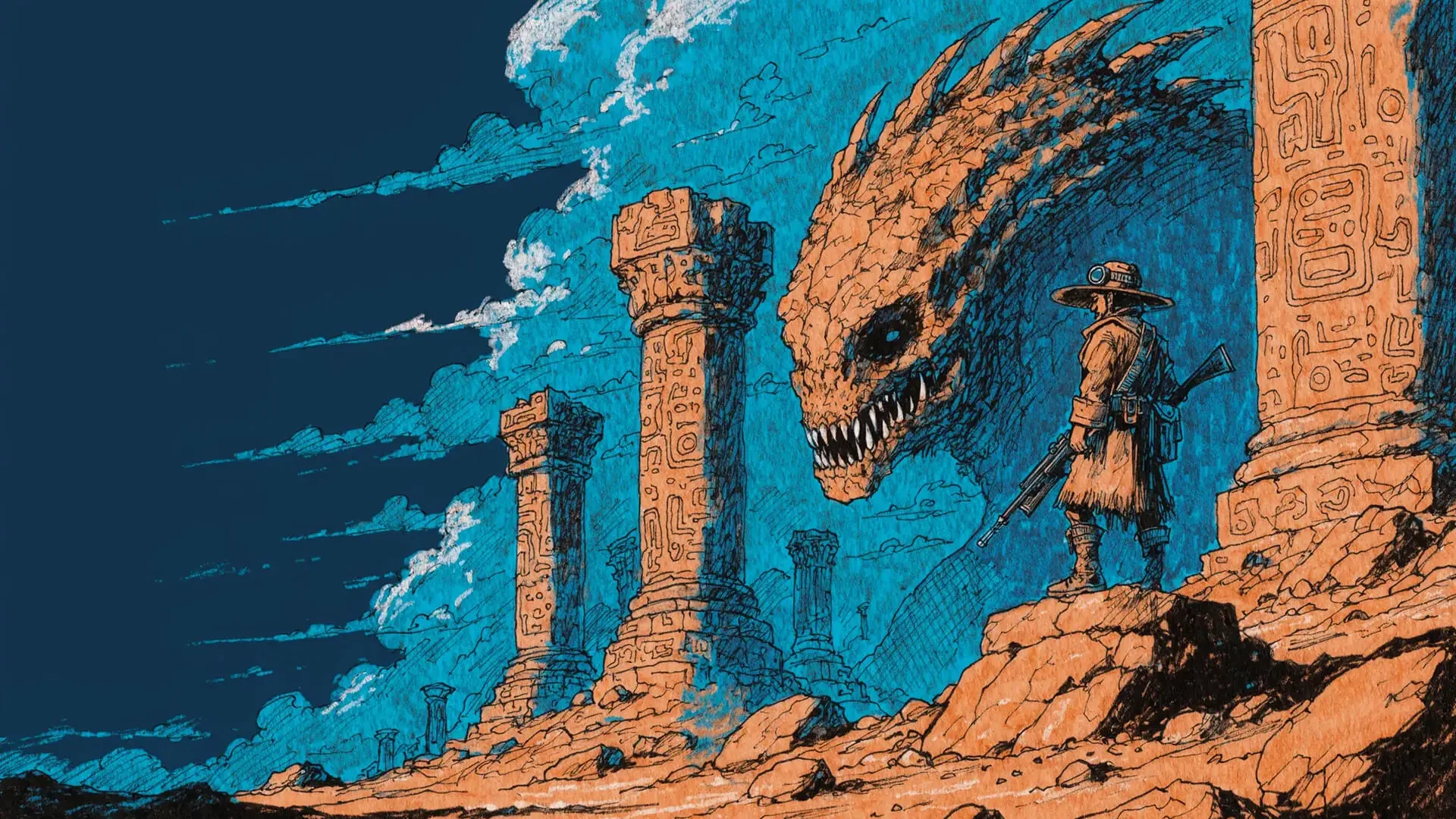
Illustrated hunter facing a giant reptile among carved ruins
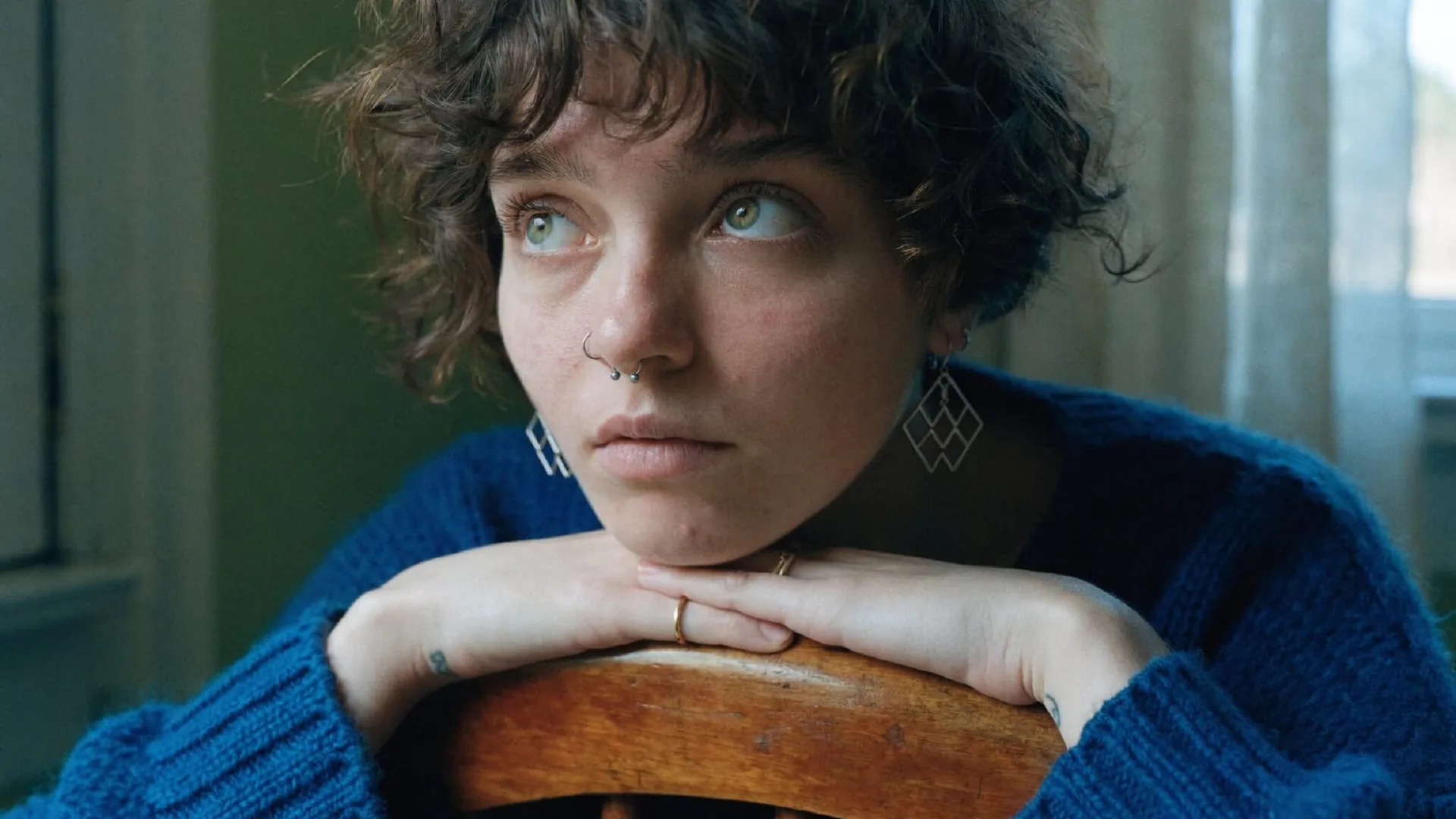
Natural indoor portrait in a ribbed blue knit sweater
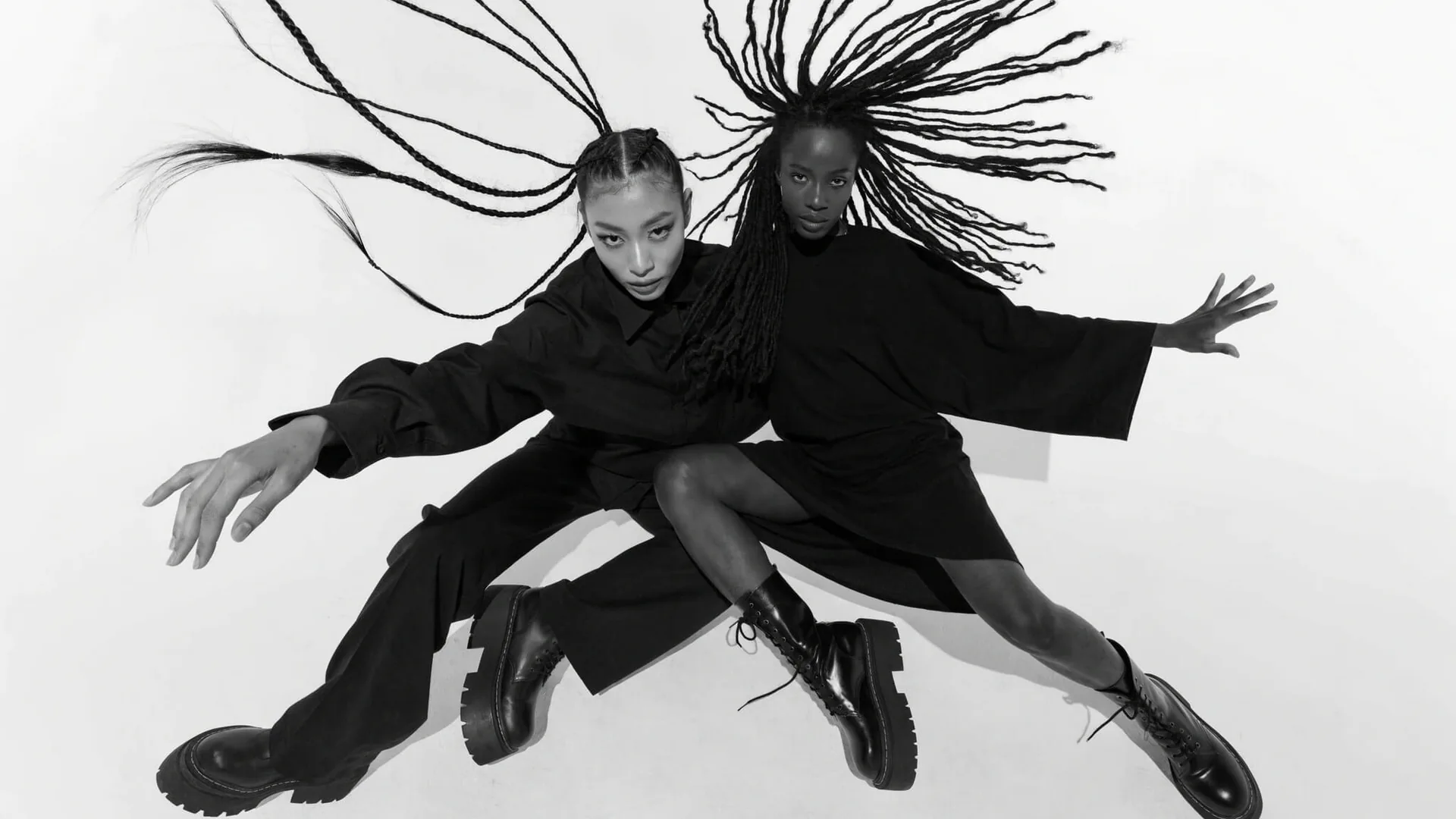
Black-and-white fashion duo in motion on a white sweep

Stay on the workspace to plan, generate, and review the clip in one form

Use the homepage when you still need text-to-video, first or last frames, image mode for a quick still, and a selector that currently includes Wan 2.7 and Wan 2.6. Comparison belongs in this form until the shot itself is decided.

Leave the workspace for a still-model page when the next job is a frame, not a clip

Open the matching still guide when you already want GPT-4o lettering, Seedream worlds, or Z-Image portraits as input stills. Those pages prepare frames; they do not replace the generator for video.

Stay on the workspace when the brief is a reference-led or first-last-frame shot

The homepage form already accepts uploads for identity and endpoints. You do not need a second video tool to attach a still and run the move.

Stay on the workspace to read the live credit cost before you pay for a run

The generator shows the current model’s credit total for the duration and resolution you selected. Pricing pages explain packs and plans; the button is the source of truth per shot.

Wan 3.5 credits and limits

How does Wan 3.5 show credit cost before you run another shot?

Wan 3.5 charges credits per generation you start. The generator button is the live price for the selected model, duration, resolution, and mode. Read that number after every change.

The workspace spends from your credit balance only when you start a run

This homepage does not advertise a complimentary allotment or an extra hidden tier. Your account balance funds each shot you generate. If the form will not start, check the on-screen total against the balance you actually have, then open /pricing for packs and plans.

The workspace prints the credit total on the generator before you run

Do not quote a blog, a competitor SKU, or a remembered number from an earlier shot. Duration, resolution, and model all move the total. If the number on the button changed after a switch, that new number is the cost of this attempt.

Each available model keeps its own duration, resolution, and inputs

The form only lists durations, aspect ratios, reference slots, and first or last frame controls the current model supports. A missing length or upload slot is a model limit, not a hidden homepage bug. Image mode and video mode also expose different controls.

Subscriptions and top-ups sit on the pricing page

Commercial terms, refund windows, and credit packs are documented on /pricing. Use this homepage to plan the shot and read the live run cost; use /pricing when you need to add balance, not to guess a per-clip number that the form already shows.

What should you verify in Wan 3.5 before you spend credits on a clip?

These questions are about the hosted Wan 3.5 video workspace: choosing an input, writing a motion prompt, reading the controls that are actually on the form, reviewing a miss, and checking credit cost before the next shot.

Contact Support

How do you choose an input and write a motion prompt in Wan 3.5?

Start here if the shot is still a sentence and you have not decided between text-only, a reference still, or first and last frames.

Which Wan 3.5 controls apply to the current shot?

Use this cluster when you need the live selector, image versus video mode, duration, resolution, or upload slots.

How should you review a miss and the credit cost in Wan 3.5?

Read this before you change three settings at once or leave the homepage to buy more credits.

Still tools for Wan 3.5 frames

Which still tools help Wan 3.5 start from a planned first or last frame?

Keep generating clips on Wan 3.5. Open one of these image-model pages only when you need a still to attach as a reference, first frame, or last frame. The cards are concept stills, not video demos, and these tools do not generate clips.

GPT-4o when the workspace needs a lettering still as a frame

Use the GPT-4o page to prepare a type-forward still, then bring that file back into the workspace as a first frame or on-screen reference. GPT-4o is a still tool here, not a video model.

Nano Banana pages for fashion and group stills you can attach

Pro for high-finish fashion stills; Nano Banana 2 when clothing and weather have to look photographed. Generate the still there, then use it in the workspace as an identity frame.

Seedream 4 when the workspace needs an illustrated world still

Open Seedream 4 to build a fantasy or campaign still, then attach that image as a first or last frame for a camera move through the same world.

Z-Image and Flux 2 for quieter portraits versus graphic fashion stills

Z-Image for window-lit portrait stills; Flux 2 when silhouette and contrast lead the frame. Both are still-prep options before a continuity shot.

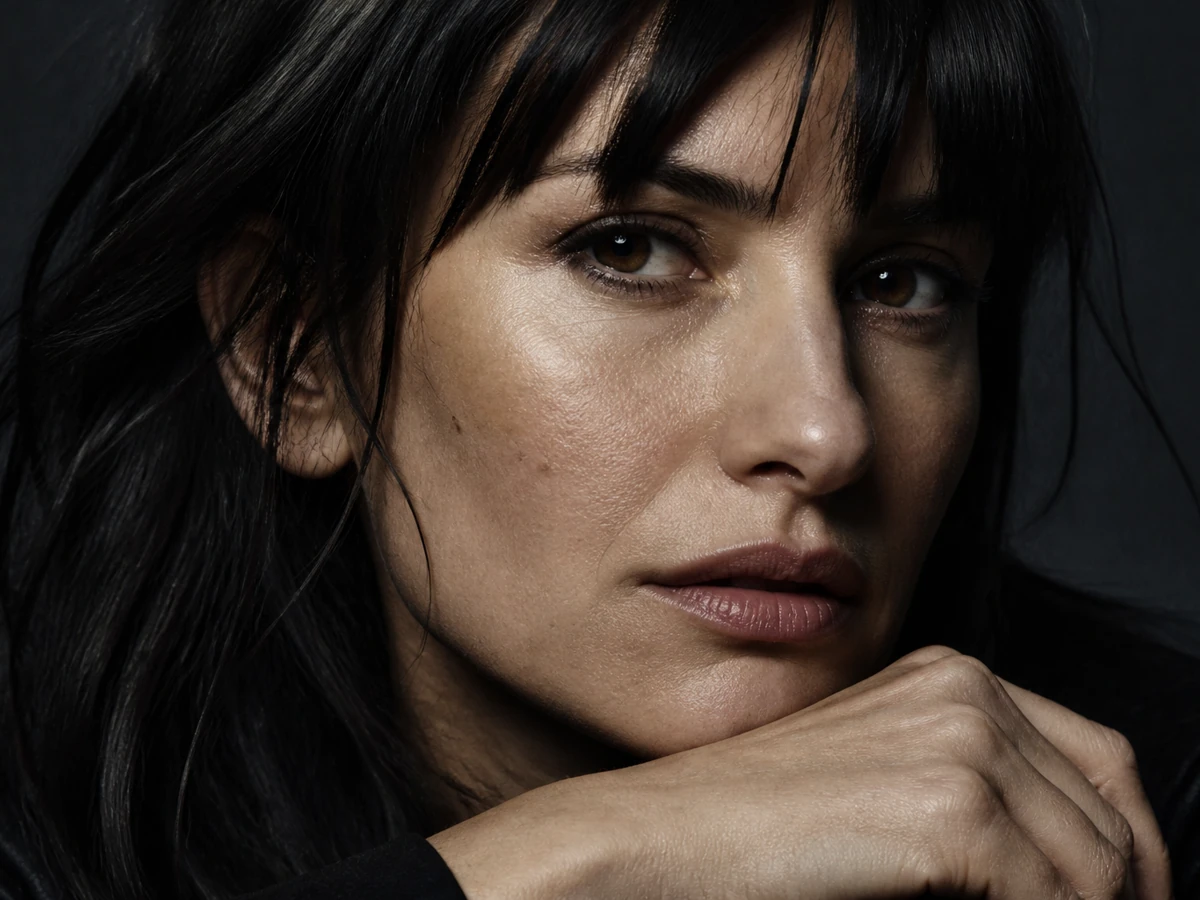
Photoreal close-up portrait with cinematic side light

GPT-4o stills for lettering frames

Concept still: photoreal close-up portrait with cinematic side light, useful as a planned identity frame.

Concept still: photoreal close-up portrait with cinematic side light, useful as a planned identity frame.

Explore Our Curated Set of Associated AI Models
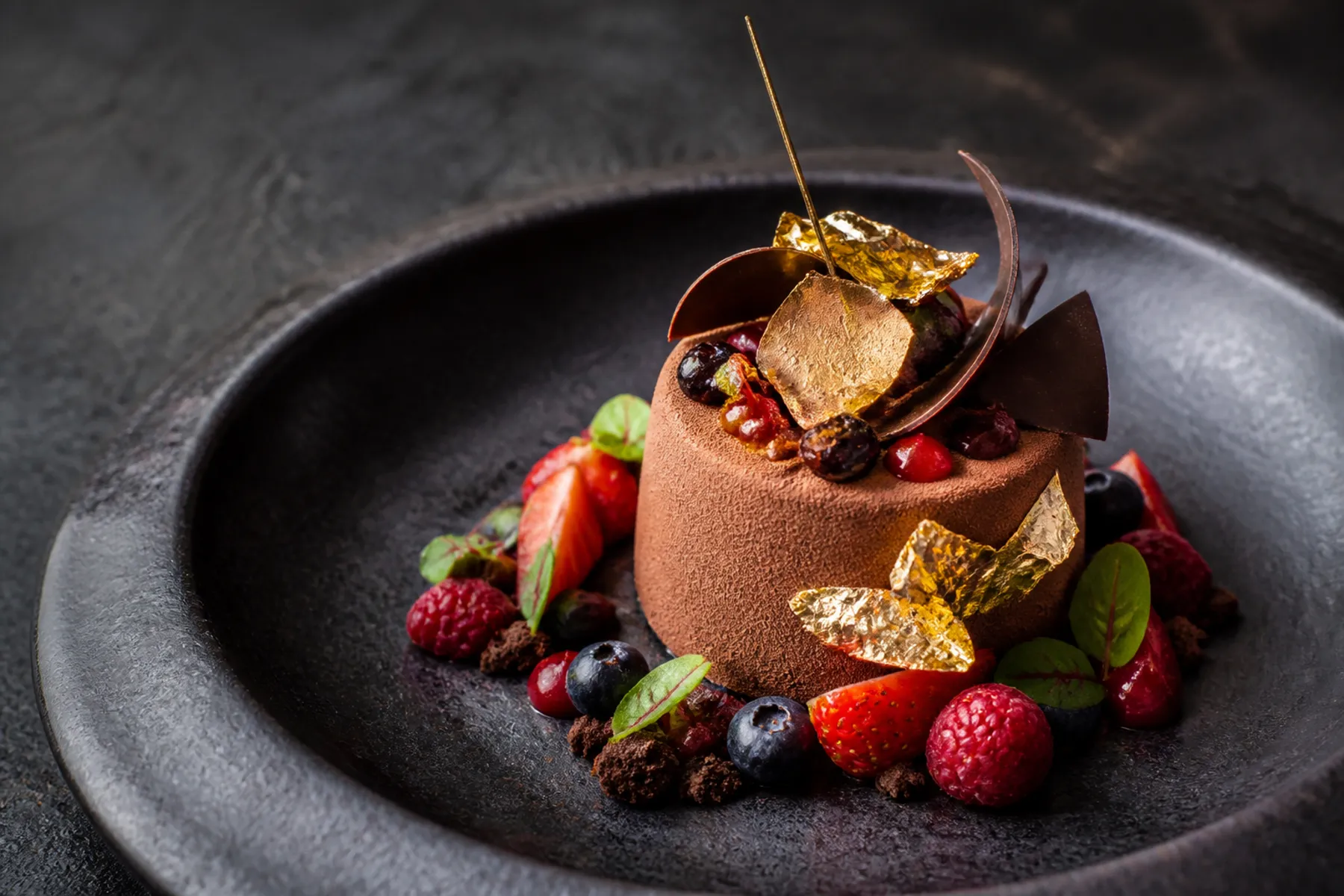
Gourmet chocolate dessert with berries and gold leaf

Nano Banana Pro stills for fashion frames

Concept still: gourmet chocolate dessert with berries and gold leaf, useful when you need a high-finish plate as a frame.

Concept still: gourmet chocolate dessert with berries and gold leaf, useful when you need a high-finish plate as a frame.

Explore Our Curated Set of Associated AI Models
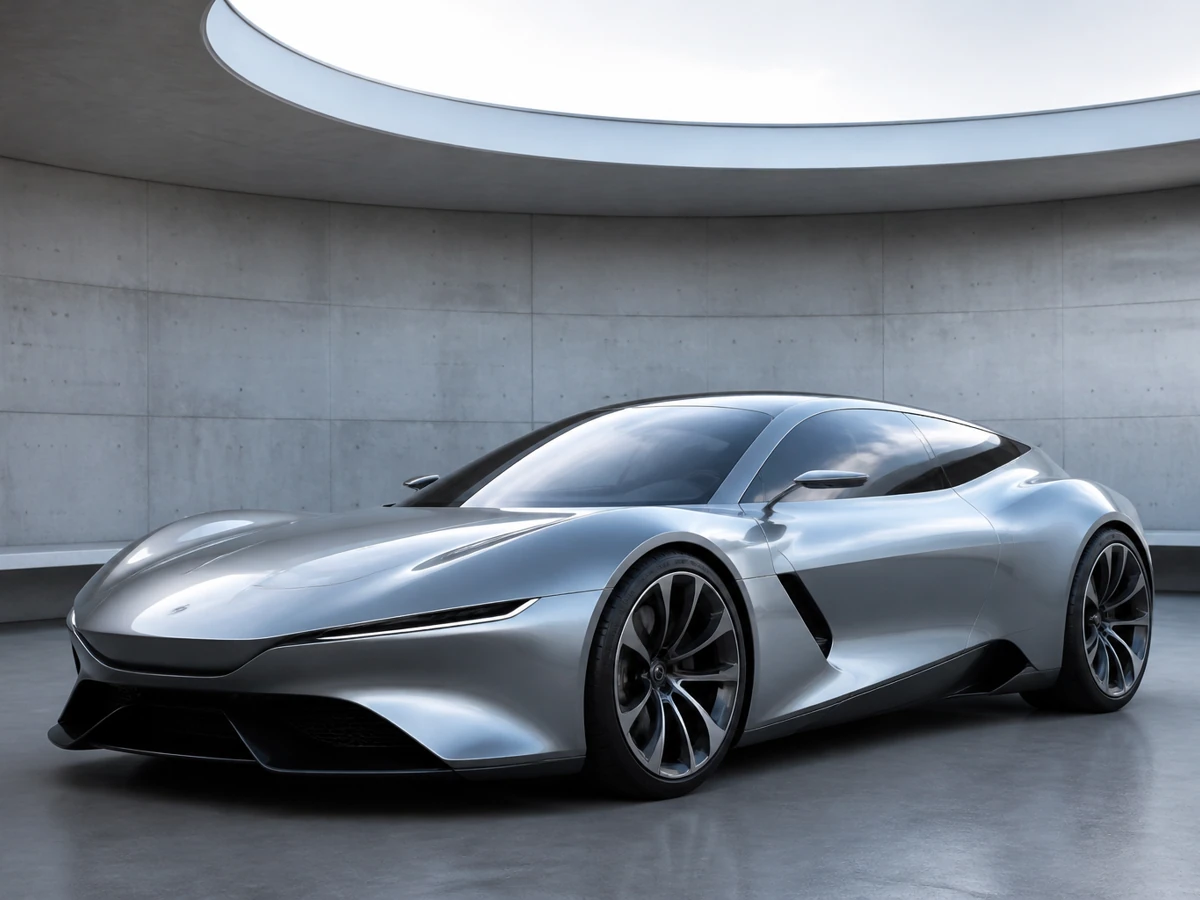
Silver concept car in a concrete atrium

Nano Banana 2 stills for grounded group frames

Concept still: silver concept car in a concrete atrium, useful as a planned opening frame.

Concept still: silver concept car in a concrete atrium, useful as a planned opening frame.

Explore Our Curated Set of Associated AI Models
Floating island temple at golden hour

Seedream 4 stills for illustrated world frames

Concept still: floating island temple at golden hour, useful as a campaign-world first frame.

Concept still: floating island temple at golden hour, useful as a campaign-world first frame.

Explore Our Curated Set of Associated AI Models
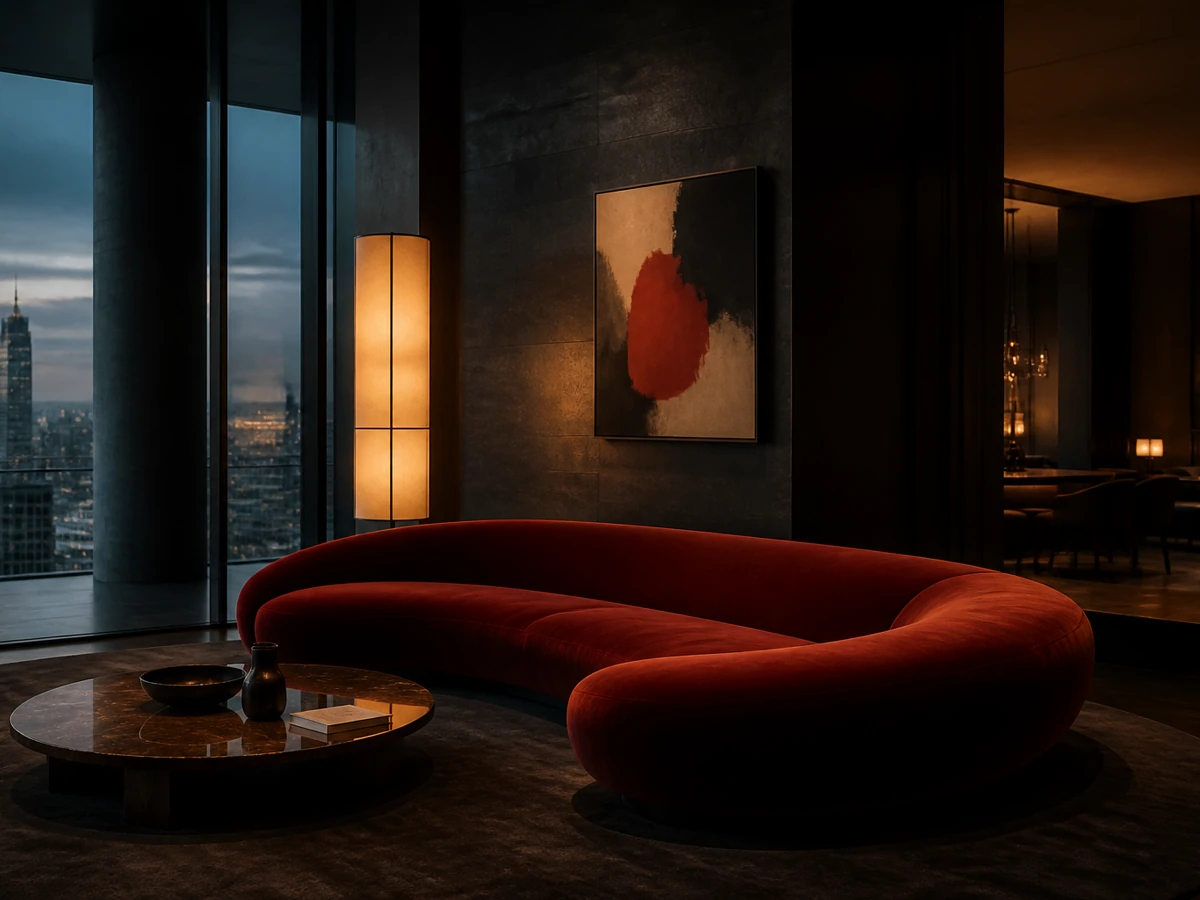
Moody penthouse living room with a red velvet sofa

Z-Image stills for natural portrait frames

Concept still: moody penthouse living room with a red velvet sofa, useful as an interior frame.

Concept still: moody penthouse living room with a red velvet sofa, useful as an interior frame.

Explore Our Curated Set of Associated AI Models
Cinematic fighter jet flying through sunlit clouds

Flux 2 stills for graphic fashion frames

Concept still: cinematic fighter jet flying through sunlit clouds, useful as a directional frame, not as a clip.

Concept still: cinematic fighter jet flying through sunlit clouds, useful as a directional frame, not as a clip.

Explore Our Curated Set of Associated AI Models
How do you start the next shot inside Wan 3.5 after you review the last clip?

How do you start the next shot inside Wan 3.5 after you review the last clip?

Stay in the same Wan 3.5 form: rewrite the motion sentence around one beat, keep or drop the frames, switch a listed model only after you name the miss, and read the credit total before you generate again.

Rewrite the prompt around one shot goal

Keep subject, locked details, and a single camera path in one sentence. Remove extra scenes this form cannot edit together. If the last clip failed on motion, change the move before you change the subject.

Decide whether the workspace still needs the same first or last frame

Keep the upload when identity or endpoints must hold. Remove it when you want a net-new text-to-video shot that should not copy the last still. Prepare a replacement frame in image mode if the current still is the thing that failed.

Switch the model only after you name the miss

Change among the listed models, including Wan 2.7 and Wan 2.6, when identity, motion, or duration limits of the current family are the problem—not because another site claims a metric this form does not show.

Confirm the credit total on the generator

If the number moved after a model, duration, or resolution change, that is the new cost of the shot. Open /pricing only for packs and plans, then return here to run the next beat.

Generate in Wan 3.5
Resources
  • Create
  • Pricing
  • Image to Prompt
  • Batch Image to Prompt
Company & Legal
  • About
  • Contact
  • Privacy Policy
  • Terms of Service
  • Refund Policy
AI Image
  • Nano Banana Pro
  • Nano Banana 2
  • GPT-4o
  • Seedream 4.5
  • Seedream 4.0
  • Flux 2 Pro
  • Flux 2
  • Qwen Image 2
  • Z-Image
  • NanoBanana Flash
  • Qwen Image 3
Wan 3.5

Create AI videos your way.

[email protected]

This website is an independent third-party platform. We are not affiliated with, endorsed by, or officially representing any AI model providers referenced on this site. All trademarks and brand names belong to their respective owners.

© 2026 Wan 3.5. All rights reserved.

Privacy Policy